Top Website Design Practices to Boost Engagement

Table of Contents
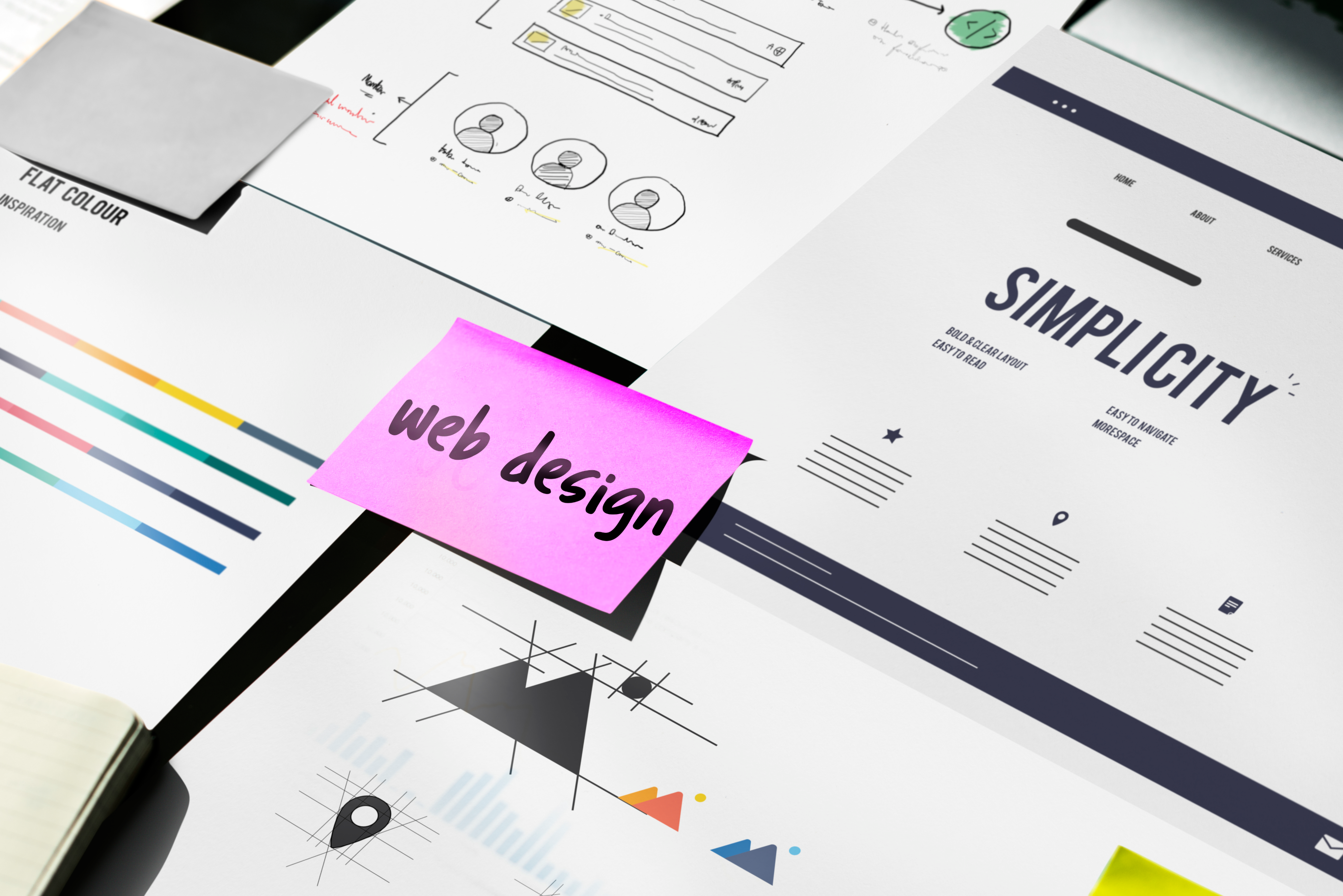
In today’s fast-paced digital world, your website is more than just an online brochure; it’s the face of your brand, the center of your marketing efforts, and often the first impression potential customers will have of your business. A well-designed website not only reflects professionalism but also plays a critical role in user engagement, trust-building, and conversion rates.
But looking good isn’t enough. Your site must function seamlessly, communicate clearly, and guide visitors effortlessly toward the actions you want them to take. From intuitive navigation and strategically written headers to visual appeal and performance optimization, the most effective websites are those that put the user first and continuously evolve to meet modern expectations.
In this article, we’ll walk through top website design best practices that will help you capture attention, boost engagement, and deliver a better experience to every visitor.
What Are the Key Principles of Good Web Design?
At the heart of every engaging website lies a few core design principles that balance visual design, aesthetic appeal, and functionality. These foundational elements ensure that users enjoy a smooth, intuitive, and rewarding experience.
- Clarity: A cluttered, confusing site will lose users quickly. Your visual design should clearly communicate what your business offers and guide visitors toward key actions without distraction. Think: simple messaging, scannable text, and straightforward navigation.
- Consistency: Uniformity in visual design elements such as colors, fonts, button styles, and layout across your pages builds brand recognition and trust. Inconsistent visuals can make a site feel amateurish or disjointed, leading to confusion and drop-offs.
- Accessibility: Inclusive design ensures that everyone including users with disabilities can interact with your site. This includes applying proper visual contrast, using alt text for images, enabling keyboard navigation, and choosing readable fonts.
- Responsiveness: Your website must look and work great on all devices, from desktops to tablets to smartphones. Responsive design adapts your layout based on screen size, providing a seamless experience no matter how users access your site.
These principles are the building blocks of any effective web presence and should be applied consistently throughout your design process. If you’re looking for expert guidance in bringing these principles to life, Weblime offers professional web design services that help brands build user-friendly, conversion-driven websites.
Understanding User-Centric Design
User-centric design is all about putting your audience at the heart of every decision. Instead of designing a webpage based on what you like or what looks trendy, focus on what will help your users achieve their goals faster and with less friction.
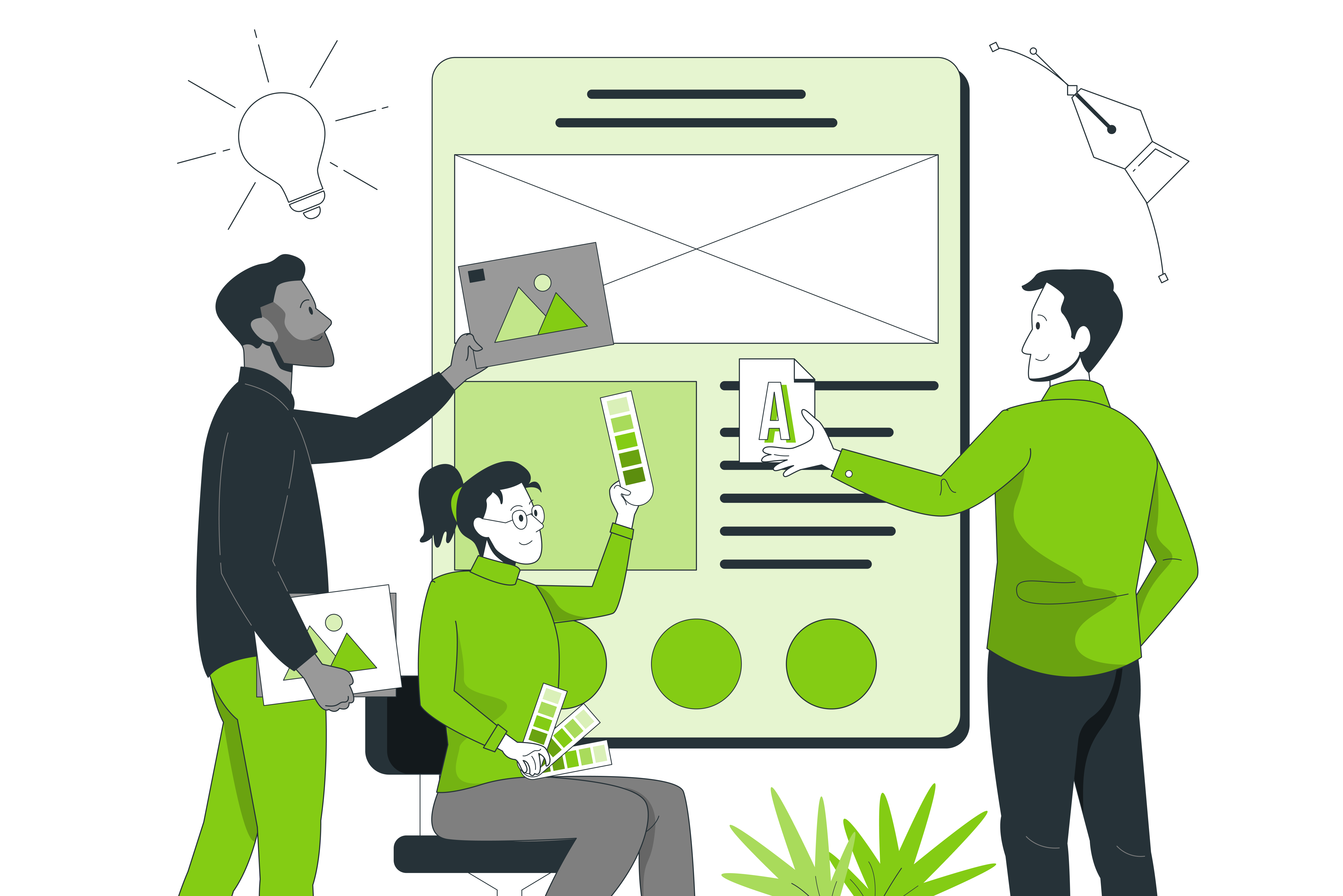
Key aspects of user-centric design include:
- Intuitive navigation: Menus, buttons, and links should be exactly where users expect them to be. Confusing navigation leads to frustration and higher bounce rates. To make your website more user-friendly, ensure that navigation flows logically and predictably.
- Clear content hierarchy: Use headings, subheadings, and structured layouts to guide users through your message. Visitors should never have to guess where to find information. This structure helps make your website easier to scan and understand.
- Personalized experiences: When possible, tailor content and calls to action based on user behavior, location, or interests to create a more engaging and relevant journey. Personalization helps make your website feel more relevant and valuable to individual users.
By focusing on the user’s perspective, you’re more likely to make your website feel natural and helpful two key ingredients for engagement.
Importance of Visual Hierarchy
Visual hierarchy is a crucial design concept that helps users instinctively understand what to focus on and in what order. A strong hierarchy ensures that the most important elements are seen first, while secondary content supports the user journey without distraction. Using the right design tools such as layout grids, typography scales, and contrast settings can help you create a clear and effective visual hierarchy throughout your website.
How to establish visual hierarchy:
- Use larger font sizes for key messages: Headlines and CTAs should be noticeably larger and bolder to grab attention a web design standard that helps highlight critical content.
- Employ contrasting colors and boldness: A brightly colored button against a muted background naturally draws the eye and follows established web design standards for accessibility and engagement.
- Strategically group related content: White space and alignment help users see relationships between elements, like feature lists or pricing tiers another key web design standard for enhancing clarity.
- Use directional cues: Icons, arrows, and images that subtly point toward key areas can help guide user behavior and support intuitive design.
Done well, visual hierarchy doesn’t just make a site look better it makes it easier to navigate, understand, and convert, aligning with proven web design standards that boost user experience.
Effective Use of White Space
Often misunderstood, white space (or negative space) is the empty area between elements on a page. Rather than being “wasted” space, it’s a critical tool in the web design process for creating breathing room, improving readability, and guiding user focus.
Benefits of using white space effectively:
- Improved readability: Generous spacing between lines of text and around blocks of content makes reading easier and more enjoyable, aligning with established web design guidelines.
- Enhanced focus: White space draws attention to key areas like a headline, product image, or call to action by isolating them visually, which is a common principle in many web design guidelines.
- Cleaner, more modern look: Sites with well-used white space feel less cluttered and more professional, which can increase trust and perceived value an outcome supported by effective web design guidelines.
Avoid cramming too much onto one screen. Instead, use spacing to lead the eye naturally from one section to the next, making the journey more fluid and engaging in line with modern web design guidelines.
How to Optimize Your Website for Better Engagement?
An engaging website isn’t just visually appealing—it delivers a seamless, fast, and value-driven experience that keeps users interested and encourages action. Whether you’re running an e-commerce site, a blog, or a service-based business, optimizing your website for engagement can significantly impact bounce rates, time on site, and conversion rates. Following established design conventions—such as familiar layouts, intuitive navigation, and consistent styling—also helps users feel more comfortable and confident while interacting with your site. If you’re a new business looking to build a strong online presence from day one, check out Weblime’s web design services for startups to get started with a site that’s built for performance and engagement.
Below are three key areas you should focus on to create a high-performing, engaging website.
Implementing SEO Best Practices
Search Engine Optimization (SEO) is the foundation of online visibility. Without it, even the most stunning website can go unnoticed. SEO ensures your content is discoverable, relevant, and authoritative in the eyes of search engines and users alike. When combined with thoughtful user interface design, SEO creates a seamless experience where users not only find your site but also enjoy navigating it.
Here’s how to optimize your site for better engagement through SEO:
- Keyword-rich headings: Use primary and secondary keywords naturally in H1, H2, and H3 tags to improve content structure and relevance.
- Meta tags and descriptions: Write compelling meta titles and descriptions for each page to boost click-through rates in search results.
- Optimized images and alt text: Compress images for faster loading and include descriptive alt text for better accessibility and image SEO.
- Internal linking: Guide users to related content, increasing time spent on site and helping search engines crawl your site more effectively.
- Mobile-friendliness: Ensure your site looks and works great on all devices Google prioritizes mobile usability in its rankings.
Effective SEO doesn’t just bring users to your site it ensures they land on the right pages, at the right time, with clear value upfront, all while complementing strong user interface design principles that support smooth navigation and user engagement.
Improving Website Speed
Speed is one of the most important factors for engagement. Studies show that users expect a page to load in under 3 seconds any longer, and many will abandon the site. A fast-loading website encourages visitors to stay, browse, and take action. This means even graphic design elements like high-resolution images or animations must be optimized to avoid slowing down your site.
To boost website speed:
- Compress and optimize images: Use next-gen formats like WebP, and ensure file sizes are reduced without sacrificing quality. This is especially crucial for media-heavy graphic design content.
- Minimize and clean up code: Remove unnecessary scripts, CSS, and plugins that bloat your site.
- Enable caching: Store frequently accessed data temporarily to reduce server load and improve performance for returning users.
- Use a content delivery network (CDN): CDNs distribute content across global servers, speeding up load times for international users.
- Choose a reliable hosting provider: A quality host offers better uptime, faster server response times, and scalable resources.
Faster sites improve not only engagement but also SEO rankings and mobile usability all of which contribute to a better overall user experience, even when balancing performance with strong graphic design visuals.
Utilizing a Content Management System
A Content Management System (CMS) is essential for maintaining and scaling your website efficiently. Platforms like WordPress, Webflow, or Shopify allow you to update content, manage plugins, and add features without needing to code from scratch. Whether you’re publishing new content or optimizing existing pages, a CMS simplifies the process and keeps your site dynamic and relevant.
Benefits of using a CMS for engagement include:
- Easy updates: Quickly publish new content like blog posts, update service pages, or add product listings to keep your website fresh and relevant.
- Plugin and app integration: Enhance functionality with tools for SEO, analytics, social sharing, live chat, and more all of which can increase user interaction.
- Scalability: As your business grows, a CMS makes it simple to expand your site with new pages, features, or e-commerce capabilities.
- Consistent design and branding: Use templates and global design settings to maintain a cohesive look and feel across your website.
- Content personalization: Advanced CMS platforms allow for dynamic content delivery based on user behavior, helping create a more tailored experience.
By leveraging a CMS, you empower your team to maintain a high level of content quality and engagement, especially when regularly adding new content, without relying entirely on developers.
What Are the Latest Web Design Trends for 2025?
Web design is an ever-evolving field, and staying current with trends is essential for maintaining relevance, user engagement, and a competitive edge. In 2025, the emphasis continues to shift toward usability, personalization, and immersive experiences. Implementing modern design features ensures that your site not only looks professional but also meets the expectations of today’s web users, who demand fast, accessible, and visually engaging digital experiences.
Here are the top web design trends for 2025 that are shaping the future of digital experiences:
Responsive Web Design Features
Responsive design is no longer optional it’s an expectation. With users accessing websites on a wide range of devices, from smartphones to tablets and desktops, your site must adapt seamlessly across all screen sizes. It’s also considered a marketing best practice, as it ensures your brand delivers a consistent experience wherever your audience interacts with you online.
Key features of responsive design in 2025 include:
- Mobile-first layouts: Designers are building for mobile before scaling up to desktop. This ensures a clean, focused mobile experience.
- Flexible grids and images: Content scales proportionally, maintaining readability and design integrity regardless of screen size.
- Touch-friendly elements: Buttons and navigation must be large enough and spaced appropriately for touchscreens.
- Dynamic breakpoints: Instead of sticking to fixed widths (e.g., 768px), modern designs use fluid breakpoints to accommodate newer devices like foldable phones.
Responsive design improves not just user experience but also SEO, and as a marketing best practice, it supports greater reach, higher engagement, and better conversion performance across all devices.
Incorporating Minimalist Design Elements
Minimalism continues to dominate in 2025, but it’s evolving into a more purposeful, content-driven approach. The goal isn’t to strip away creativity, but to present information with clarity and intention through smart design choices that prioritize user experience.
Key components of minimalist design include:
- Plenty of white space: Allows users to focus on key content without distraction.
- Limited color palettes: Using 2–3 core brand colors for consistency and simplicity.
- Simple typography: Clean, legible fonts enhance readability and support a modern aesthetic.
- Flat or semi-flat icons: Avoid overly detailed graphics in favor of sleek, intuitive visuals.
Minimalist web design reduces cognitive overload and creates a calming, frictionless experience ideal for driving focus and conversions through deliberate design choices that eliminate clutter and elevate usability.
Utilizing Interactive Content
In a digital landscape full of distractions, interactive content helps keep users engaged by turning passive browsing into active participation. When paired with good design, these features not only capture attention but also enhance usability and emotional connection.
Popular interactive elements trending in 2025 include:
- Sliders and carousels: Ideal for showcasing portfolios, testimonials, or featured products without overwhelming the page.
- Quizzes and polls: Encourage user engagement and can be used to collect data or personalize user journeys.
- Hover effects and microinteractions: Subtle animations that respond to user behavior like buttons that change color when hovered over add depth and responsiveness.
- Scroll-triggered animations: As users scroll down a page, content fades in or animates, guiding them through the story.
Interactive features, when backed by good design, improve dwell time, signal user interest to search engines, and create a more memorable browsing experience.
How Can Navigation Impact User Experience?

Website navigation plays a critical role in how users interact with your site. It’s not just about getting from Point A to Point B it’s about how easily and confidently users can explore your content. If visitors can’t find what they’re looking for quickly, they’re more likely to leave and turn to a competitor. That’s why intuitive, well-structured navigation is a key pillar of user experience (UX) and conversion optimization. Successful design teams prioritize navigation early in the planning process to ensure it supports both usability and business goals.
Creating an Intuitive Menu
Your main menu is often the first thing users interact with after landing on your site. It sets the tone for usability, discoverability, and accessible design. An intuitive menu should:
- Use clear, descriptive labels: Avoid jargon or clever phrases that confuse users. Stick with straightforward labels like “About,” “Services,” “Blog,” or “Contact.”
- Follow expected patterns: Place menus at the top or left side of the page locations users naturally expect.
- Limit the number of options: Overwhelming visitors with too many choices can lead to decision fatigue. Aim for 5–7 primary links.
- Include dropdowns sparingly: Use dropdown menus to organize subcategories, but keep them clean and mobile-friendly.
Think of your menu as a roadmap. If users get lost or confused, they’re unlikely to stick around. Applying principles of accessible design ensures that all users including those with disabilities can easily navigate and interact with your website’s core features.
Prioritizing Important Links
Not all pages carry equal weight some drive conversions more directly. That’s why it’s essential to prioritize high-impact pages and make them easy to find.
- Highlight top conversion pages: Include CTAs or quick links to your “Contact,” “Pricing,” or “Shop” pages in the main nav.
- Use sticky or fixed navigation: A persistent menu that stays visible as users scroll ensures important links are always accessible.
- Feature key links on mobile: Design mobile menus (hamburger-style) to show high-priority links first for quick access.
When you emphasize the pages that matter most, you guide users toward actions that support your business goals.
Using Breadcrumb Navigation
Breadcrumb navigation provides users with a trail of links showing the path from the homepage to their current page. This simple feature can greatly improve usability, especially on content-rich or e-commerce sites.
Benefits of breadcrumbs include:
- Context awareness: Users know exactly where they are within your site’s hierarchy.
- Easy backtracking: With one click, users can jump to a broader category or previous section.
- Improved SEO: Breadcrumbs help search engines better understand your site structure, potentially leading to enhanced search snippets.
For example, an e-commerce breadcrumb might look like this:
Home > Clothing > Women’s Clothing > Dresses > Maxi Dresses
It’s clean, informative, and keeps users oriented within your site.
What Role Do CTAs Play in Website Design?
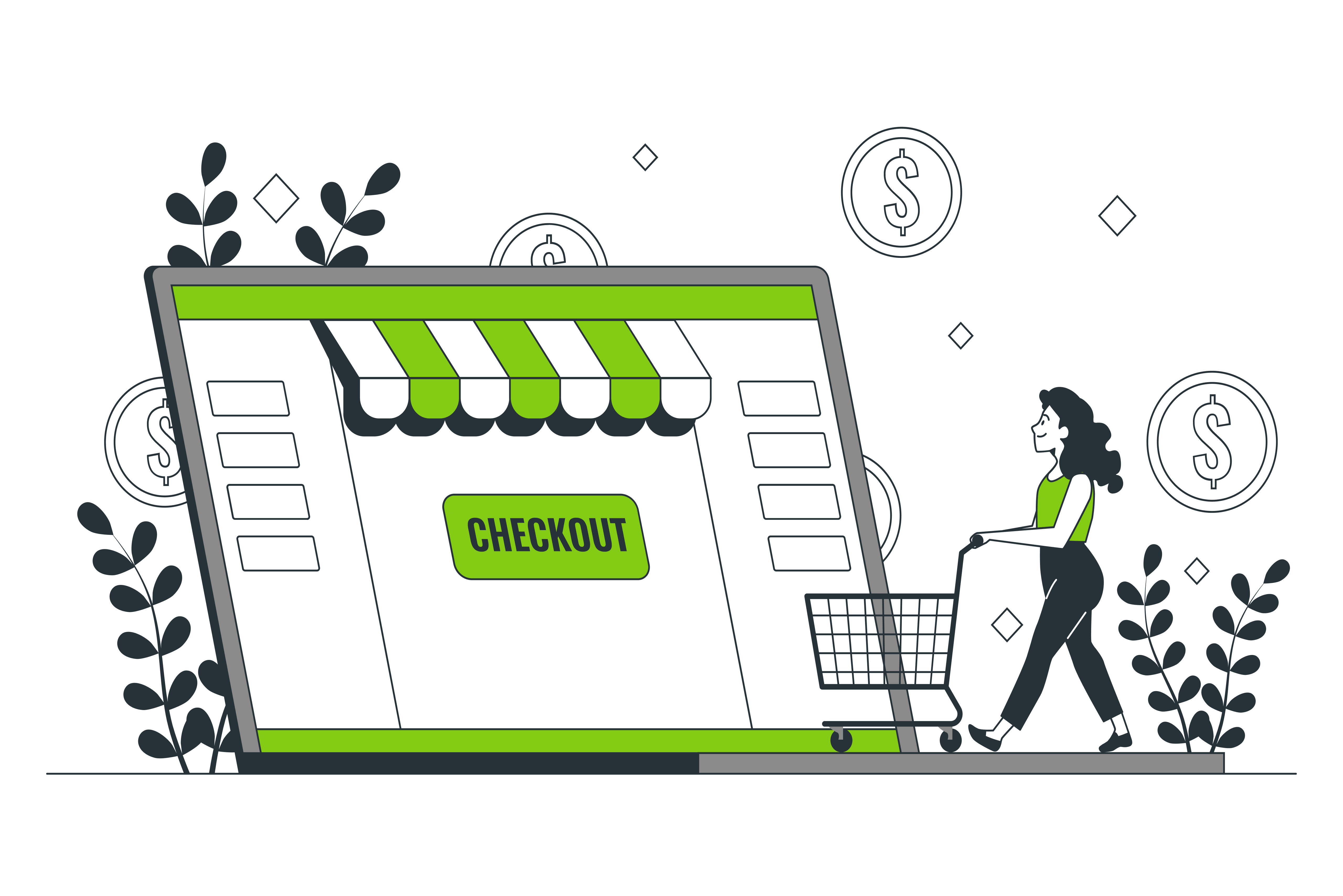
CTAs Calls to Action are one of the most crucial elements in website design. These are the buttons, links, or phrases that prompt users to take a specific action, such as “Buy Now,” “Subscribe,” “Contact Us,” or “Download Free Guide.” Without well-placed and well-designed CTAs, even the most beautifully crafted website can fail to convert visitors into leads or customers.
In essence, CTAs guide users through the buyer’s journey and help turn passive browsing into active engagement. Let’s break down how to maximize their effectiveness.
Best Practices for Call to Action Placement
Where you place a CTA can significantly influence its effectiveness. Poor placement can result in low visibility or confusion, while strategic placement can drive high conversion rates.
- Above the fold: Place a primary CTA near the top of the page, so it’s visible without scrolling. This works especially well for landing pages or product pages.
- After persuasive content: Once a user has absorbed your value proposition like a strong testimonial or a product feature list reinforce it with a CTA.
- In blog content: Place relevant CTAs within blog posts to guide readers toward related actions (e.g., “Download the checklist” or “Get a free quote”).
- At logical breakpoints: Include CTAs at the end of each content section to keep engagement flowing without feeling forced.
A CTA should always feel like the natural next step not a disruption.
Design Elements That Enhance CTAs
Visual appeal matters just as much as placement. An effective CTA grabs attention without being pushy or overwhelming. Consider these design elements:
- Color contrast: Use a color that stands out from the background and surrounding content, but still aligns with your brand palette.
- Button size and shape: Make sure buttons are large enough to be easily clickable, especially on mobile. Rounded corners often feel more inviting.
- Clear, action-driven text: Use strong verbs that imply benefit or urgency. For example, “Start Your Free Trial” or “Claim My Discount” is more engaging than “Submit.”
- Whitespace around the CTA: Leave enough breathing room to make the CTA stand out and avoid visual clutter.
- Icons or arrows: Adding small visual cues like arrows or icons can subtly guide the eye toward the action.
Great CTA design is about balancing visibility, clarity, and intent.
Testing and Optimizing CTAs for Engagement
No matter how well you think your CTA is performing, there’s always room for improvement. That’s where A/B testing and continuous optimization come in.
- Test CTA text: Experiment with different phrases to see what resonates. For instance, compare “Get Started” vs. “Start Your Free Trial.”
- Experiment with color and shape: Try various color schemes or button styles to see which draws more clicks.
- Change placement: Move your CTA to different areas of the page to evaluate engagement impact.
- Use heatmaps and analytics: Tools like Hotjar or Google Analytics can show where users are clicking and where they drop off.
- Track conversions: Use goals in Google Analytics or conversion tracking in your CMS or CRM to assess CTA effectiveness.
The key is to test one variable at a time so you can clearly identify what caused the change in performance.
How to Ensure Your Website Content Aligns with Design?
One of the most overlooked aspects of web design is the relationship between content and visual layout. While a sleek design can grab attention, it’s the content that informs, persuades, and converts. If your content doesn’t align with your design, you risk confusing users, weakening your brand, and missing conversion opportunities.
Design and content should work together to create a seamless experience. Let’s look at how you can achieve that harmony.
Developing a Content Strategy
Before you even begin designing, your content strategy should be clear. This means:
- Identifying user intent: What are your visitors looking for? Tailor your messaging to meet those needs directly.
- Using targeted SEO keywords: Integrate relevant keywords naturally into headings, subheadings, and body text to boost search engine visibility.
- Creating content hierarchies: Structure your content with headings, bullets, and short paragraphs to improve readability and guide users through the page.
- Planning for different stages of the customer journey: Use a mix of informational, transactional, and persuasive content to meet users where they are.
A content-first approach ensures that design serves the message not the other way around.
Integrating Brand Guidelines in Web Design
Your website is a digital reflection of your brand. To maintain consistency and trust, design elements must align with your content tone and overall identity:
- Typography: Choose fonts that reflect your brand’s personality whether that’s formal and elegant or bold and modern.
- Color palette: Use your brand colors to emphasize content sections, highlight CTAs, and maintain visual cohesion.
- Tone of voice: Make sure your written content mirrors your brand’s voice. For example, a playful tone pairs well with vibrant colors and rounded fonts, while a professional tone aligns with clean lines and subdued hues.
- Consistency across pages: Ensure every page from homepage to blog posts follows the same visual and editorial standards.
Consistency builds brand recognition and reinforces trust throughout the user journey.
Using Visual Elements to Support Content
Visual content can make or break user engagement. When used correctly, images and media enhance storytelling, clarify complex concepts, and improve comprehension especially when integrated into a well-structured, responsive website that ensures content looks great on all devices.
Here’s how to use them effectively:
- Relevant imagery: Every image should serve a purpose whether it supports the topic, illustrates a concept, or evokes emotion.
- Icons and infographics: Use icons for quick recognition of features or benefits, and infographics to simplify data-heavy content.
- Videos and animations: Incorporate videos to explain processes, introduce your team, or showcase products in action. Keep them short and purposeful.
- Alt text and captions: Don’t forget accessibility describe images with alt text and use captions to provide context.
Avoid cluttering pages with stock photos or visuals that don’t align with your message. Instead, aim for meaningful, brand-aligned visuals that complement your written content and enhance the overall experience of your responsive website.
Frequently Asked Questions About Website Design Best Practices
Designing a website that engages users and drives results involves more than just visual appeal it requires a solid understanding of usability, functionality, and current best practices. In this FAQ section, we answer the most common questions about website design to help you create a user-friendly, visually compelling, and performance-driven site that aligns with your goals across every page of your website.
What are the key website design best practices for enhancing user engagement?
To enhance user engagement, it’s essential to focus on several web design best practices. These include creating an intuitive navigation system, ensuring responsive web design for mobile devices, optimizing website speed, using white space effectively, and implementing clear call to action (CTAs). These principles apply not only to traditional websites but also to web apps, where seamless interaction and performance are equally critical. Each of these elements contributes to a better user experience and can significantly increase website traffic.
How does responsive design affect user experience?
Responsive design ensures that your website adapts seamlessly to different screen sizes, thus improving the user experience across various devices. A good website accommodates mobile device users, allowing them to navigate easily without zooming in or out. This adaptability is crucial as more users are accessing web pages from their smartphones, and failure to provide a user-friendly experience can lead to high bounce rates and lost opportunities for engagement.
What role does SEO play in web design best practices?
SEO is integral to web design as it enhances the visibility of your website on search engines. By optimizing your website content with relevant keywords, using descriptive alt text for images, and ensuring fast load times, you can improve your chances of ranking higher in search results. To maximize these efforts, make sure your website follows SEO best practices consistently across all pages. This not only drives more website visitors but also makes it easier for users to find and engage with your website.


